
Almost every Claude SEO prompt list you’ll find covers the same ground. Keyword research, content briefs, title tags, maybe a Google Business Profile audit. All useful. None of it gets another website to link to you.
Links are still the part of SEO that takes the most hours and has the least automation. So that’s where we pointed Claude.
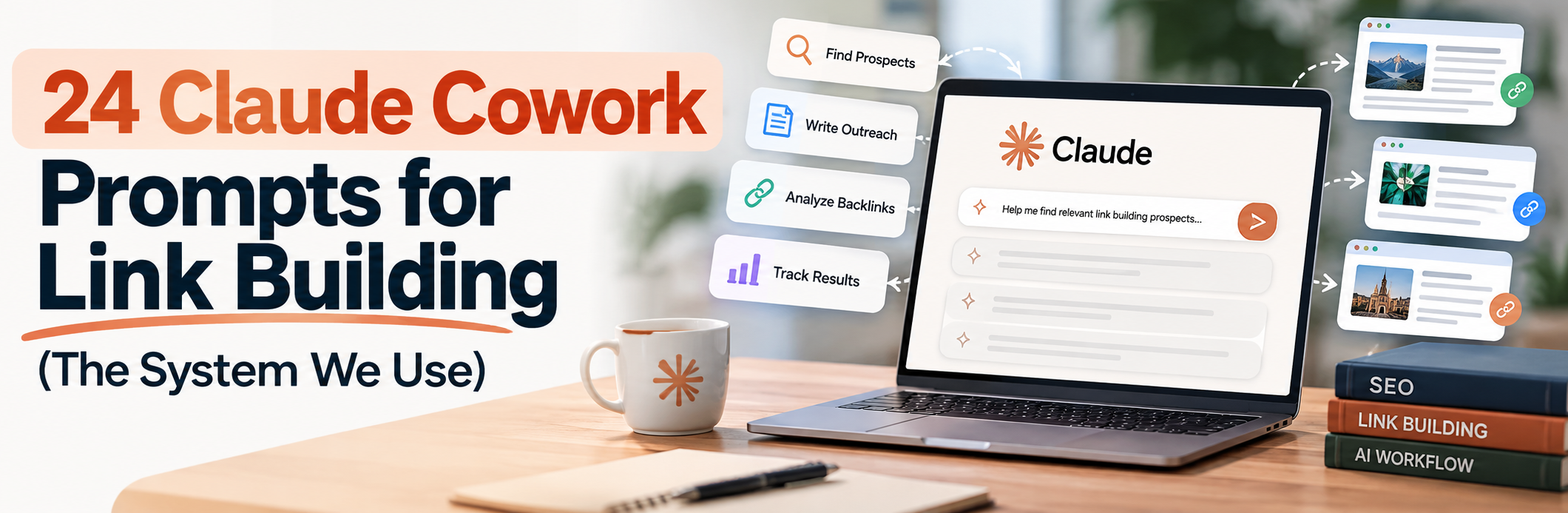
What follows is the prompt system we use at Outreach Empress to run link building campaigns inside Claude Cowork. There are 24 prompts, split by stage of a campaign, from “which of our pages even deserve links” through to “did the link actually go live.” Each one has a short note on why it’s built the way it is.
Take them. Change the brackets. Use them on your own site.
Why Cowork and not a normal Claude chat?
You can paste every prompt here into a regular Claude chat and get something useful. Cowork is better for outreach for one reason: it can do the legwork between prompts.
In a chat, you visit 60 prospect sites yourself and paste what you find. In Cowork, Claude opens Chrome, visits the 60 sites, reads the folder where you keep your prospect list, and writes its findings back to a spreadsheet. You check its work instead of doing it.
That changes which prompts are worth writing. A lot of the prompts below say “open Chrome and visit each URL.” In a plain chat, you’d drop that line and paste the page content yourself.
Set up the outreach folder first
Every prompt in this system reads from one folder. Build it once, and you’ll never type your company description into Claude again.
Here’s the layout we use:
The voice folder matters most. Claude copies tone from examples far better than from descriptions. “Friendly but direct” means nothing to it. Three emails that actually got replies tell it everything.
The do-not-contact list is there because Cowork is fast. Without it, Claude will happily pitch your biggest client’s blog.
The setup prompt
Run this at the start of every Cowork session.
The last line is a check. If Claude names the wrong pages, the brief is unclear, and every prompt after this will inherit the problem.
Part 1: decide what you’re building links to (prompts 1-4)
Most campaigns fail before the first email goes out, because they’re pitching a page nobody has a reason to cite. Start here.
1. The “would anyone cite this?” test
Why it works: forcing Claude to write the actual sentence that would link to your page cuts through the hope. If it can’t write a believable one, an editor won’t either. Service pages almost always score low here, which is normal. You link-build to assets, then pass that authority to service pages through internal links.
2. Anchor text health check
Why it works: over-optimised anchors are one of the easier things for Google to spot, and one of the easiest to accidentally create when you’re asking for links. Knowing your ratio before a campaign tells you what anchors to request. The competitor comparison stops you from chasing a “safe” number you read on a forum. Your niche’s real ratio is the one that matters. If you want a second opinion on your profile, we also run a free backlink audit.
3. Link velocity vs competitors
Why it works: the total link count tells you history. The monthly rate tells you who’s winning now. The spike investigation is the useful bit. When a competitor jumps from 4 new domains a month to 40, there’s usually one campaign behind it, and you can learn from it.
4. Pick this quarter’s target pages
Why it works: pages sitting just off page 1 are the ones where a handful of links changes revenue. The internal link check is there because we see it constantly. People spend weeks earning links to a page that their own site links to once, from the footer.
Part 2: find and qualify prospects (prompts 5-10)
5. Build a prospect list from Google search operators
Why it works: search operators are old-school, and they still find sites that SEO tools miss, especially small niche blogs with low domain ratings but real readers. Recording which search found each site shows you, after a few campaigns, which operators are worth running for your niche.
6. Qualify every prospect before you pitch it
This is the prompt that saves the most time.
Why it works: most outreach lists are about half dead sites, link sellers and sites that never link out. Pitching them wastes sending volume and hurts your domain’s email reputation. The “every recent article has a commercial link in paragraph 2” check catches link sellers who don’t advertise it.
7. Find the right person to email
Why it works: a pitch to the person who wrote the article you want a link from gets read. A pitch to info@ goes to whoever checks the shared inbox, if anyone does. The instruction not to guess email formats matters. Guessed addresses bounce, and bounces damage your sender reputation fast.
8. Unlinked brand mentions
Why it works: these are the easiest links you’ll ever get. The site already decided you were worth mentioning. The ask is just “could you make that a link so readers can find us?” Recording the exact sentence lets the email quote it back to them.
9. Broken link prospecting on resource pages
Why it works: telling someone their page has a broken link is doing them a favour before you ask for one. The Wayback Machine check tells you what the dead page actually covered, so you only offer a replacement when it really fits.
10. Journalists who already covered this topic
Why it works: journalists who wrote about a competitor’s data are the best digital PR targets there are. They’ve shown they cover this topic and that they cite data. Checking their last 5 headlines stops you pitching someone who’s since moved to another beat.
Part 3: write the pitches (prompts 11-16)
11. Research note before every email
Why it works: this is the difference between outreach that gets replies and outreach that gets marked as spam. Splitting research from writing also means you can review the notes before any email exists. If the note is weak, the email will be too, and you’ve caught it cheaply.
12. Guest post pitch that doesn’t repeat their archive
Why it works: the archive search stops the most common guest pitch failure, suggesting an article the editor published last year. “Suit their readers first” is intentional. Editors can spot a topic invented to carry a link.
13. Resource page pitch
Why it works: a resource page owner cares about one thing: whether your link makes their page more useful. Naming the exact section shows you actually read the page, and it saves them from having to work out where it would go.
14. Broken link pitch
Why it works: the order matters. Lead with the useful information and the email reads as a favour. Lead with your page and it reads as a pitch with a pretext.
15. Two follow-ups, then stop
Why it works: in our experience, a lot of replies come from the first follow-up, and very few come after the second. A third follow-up mostly gets you spam reports. Giving each follow-up a new reason to reply is what separates it from a nudge.
16. Subject line test set
Why it works: after 100 or so sends, your own data is better than any subject line advice on the internet. The 15-email minimum stops Claude from declaring a winner based on three replies.
Part 4: replies, content and live links (prompts 17-20)
17. Reply triage
Why it works: on a big campaign, replies pile up and good ones go cold. Sorting them turns an inbox into a to-do list. The “wrong person” group often has a name in it. “I’ve moved on, try Sarah” is a warm introduction.
18. The “what’s your price?” reply
Why it works: plenty of site owners ask for money by default and will publish for free if the content is good and the alternative offer is real. Lecturing them about link schemes ends the conversation. A good offer keeps it going.
19. Write the guest post to their style
Why it works: articles that read like the site’s own content get published without edits and stay published. The instruction to find one natural spot for the link is deliberate. Editors remove links that look forced, and a single well-placed link is worth more than two awkward ones.
20. Confirm the link is live and counts
Why it works: links disappear more often than people expect. Sites redesign, editors clean up, pages get noindexed. A link you never check could have vanished weeks ago. Checking indexation is the step people skip. A link on a page Google hasn’t indexed does nothing.
Part 5: digital PR (prompts 21-23)
21. Find the story in your own data
Why it works: this is how most digital PR campaigns start. Most companies are sitting on data that would make a news story and don’t know it. The sample size flag protects you. A journalist who spots weak methodology won’t cover you, and some will write about the weak methodology instead.
22. Newsjacking with a real point of view
Why it works: speed and opinion win newsjacking. A quote that says “this is an interesting development and businesses should pay attention” never gets used. A quote that says the policy is wrong and why gets used.
23. Answer journalist requests fast
Why it works: journalists get dozens of responses and read the first line of each. Putting the quote first is the whole trick. The “tell me if it’s not a fit” line stops you from sending weak answers that train journalists to skip your name.
Part 6: reporting (prompt 24)
24. Monthly link report that shows what’s working
Why it works: the breakdown by prospect type is what makes this more than a vanity report. After two or three months it tells you, for your niche, whether broken link outreach beats guest posts, and you can move your hours to whatever wins.
How to roll this out: your first 4 weeks
Don’t run all 24 prompts on day one. Here’s the order we’d use for a first campaign.
Week 1 is setup and targeting. Build the folder, run the setup prompt, then prompts 1 to 4. By Friday you know which pages you’re building links to and roughly how many links you need.
Week 2 is prospecting. Run prompts 5 to 10, then spend an afternoon reviewing prospects.csv yourself. Delete anything that feels wrong even if Claude marked it qualified. You should end the week with 40 to 60 prospects you’d be happy to pitch.
Week 3 is outreach. Run prompt 11 on the whole list, review the research notes, then prompts 12 to 14 for the drafts. Send in batches of 10 to 15 a day, not all at once.
Week 4 is follow-ups and replies. Prompts 15, 17 and 18 as replies come in. Prompt 19 for any accepted guest posts.
After that, run prompt 20 every two weeks and prompt 24 at the end of each month. Prompts 21 to 23 run whenever you have data or a news story worth reacting to.
Where this goes wrong
We’ve run this system for long enough to know its failure points.
Claude will occasionally invent something. Even with the “never invent a fact” rule, it sometimes paraphrases an article’s headline as if it had read the whole piece. Read every research note before any email goes out. This is the one step you can’t hand over.
Sites block Cowork. Plenty of sites use bot protection, and Claude will hit a verification wall. That’s why the setup prompt tells it to mark those “couldn’t check.” Visit them yourself or drop them.
It’s too polite. Left alone, Claude’s outreach sounds like a customer service team. The voice/ folder fixes most of this. If emails still come out stiff, add a line to the setup prompt: “Write like a person emailing a peer, not a company emailing a customer.”
It can’t judge quality the way you can. Claude can check whether a site posts regularly and links out. It can’t tell you whether a link from that site would make you proud or embarrassed. You still decide that.
Frequently asked questions
Can Claude Cowork do link building on its own?
It can do most of the research and drafting: finding prospects, qualifying them, writing emails, checking whether links went live. It can’t build relationships or judge whether a site is one your brand should appear on, and you should never let it send emails without you reading them. Think of it as a very fast research assistant.
Do these prompts work in a normal Claude chat?
Yes. Remove the “open Chrome and visit” instructions and paste the page content or data into the chat yourself. It’s slower, but the prompts work the same way.
Do these prompts work with ChatGPT or Gemini?
Mostly. The prompts are plain instructions, so any capable model can follow them. The browsing and folder steps depend on the tool you use having those abilities.
Is AI-assisted outreach against Google’s guidelines?
Google’s guidelines are about the links, not how you found the prospect or drafted the email. Earning editorial links by offering good content is fine. Paying for links, or trading them at scale, is against the guidelines whether a person or an AI arranged it. That’s why prompt 18 exists.
How many links can I expect from this?
It depends too much on your niche, your assets and how good your pitches are to give a useful number. Track your own reply and win rates in sent-log.csv. After 100 sends you’ll have a better estimate than anyone could give you from outside.
Want us to run it for you?
This is the system. Running it well still takes hours every week, plus judgment about which sites are worth your name.
That’s what we do at Outreach Empress. If you’d rather hand the whole campaign over, from prospecting to live links, see our blogger outreach service or talk to us and we’ll show you what it would look like for your site.